How to Use an Activation Code on the H5 Page
Hello everyone. This guide will demonstrate how to use an activation code on the H5 page.
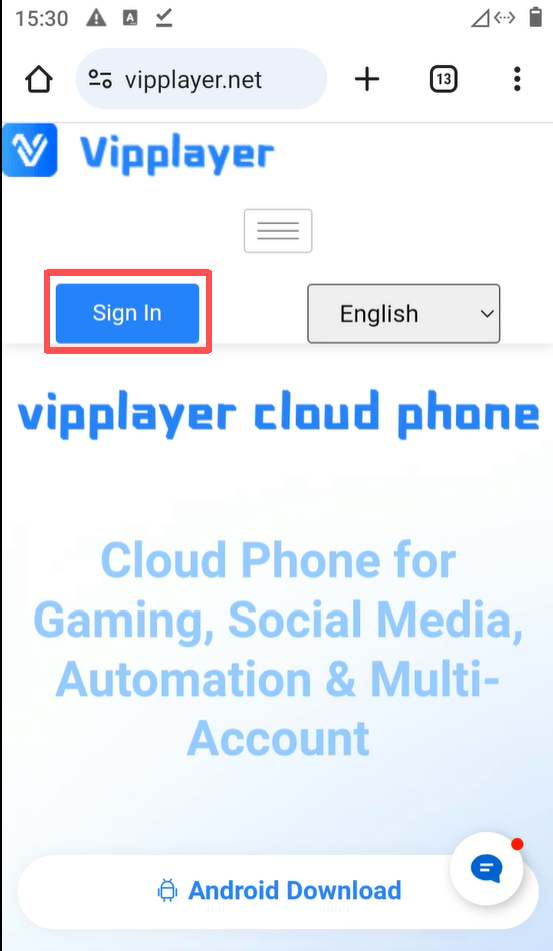
First, visit the official VipPlayer Cloud Phone website. Then, click the Sign In button.
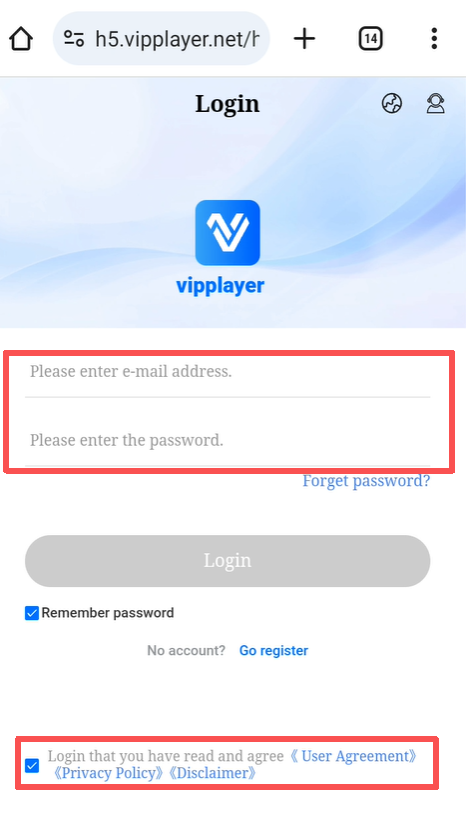
1.On the login page, enter your account and password.Please make sure to check the box at the bottom labeled:
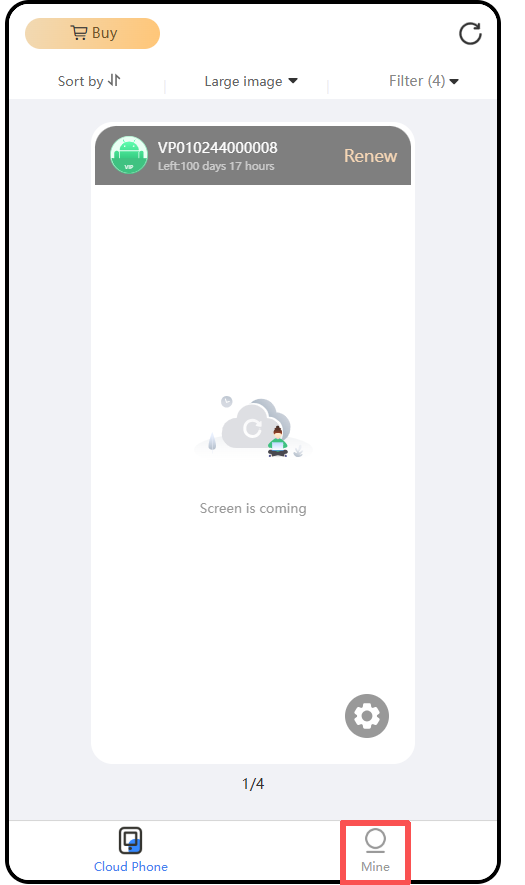
2.After logging in, click “Mine” at the bottom of the page.
 3
3
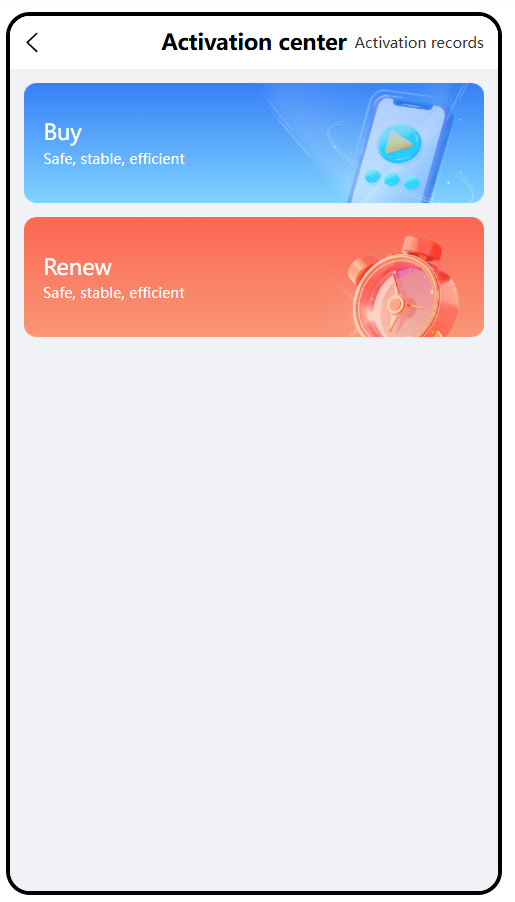
3.Locate “Activation Code” and open the page.
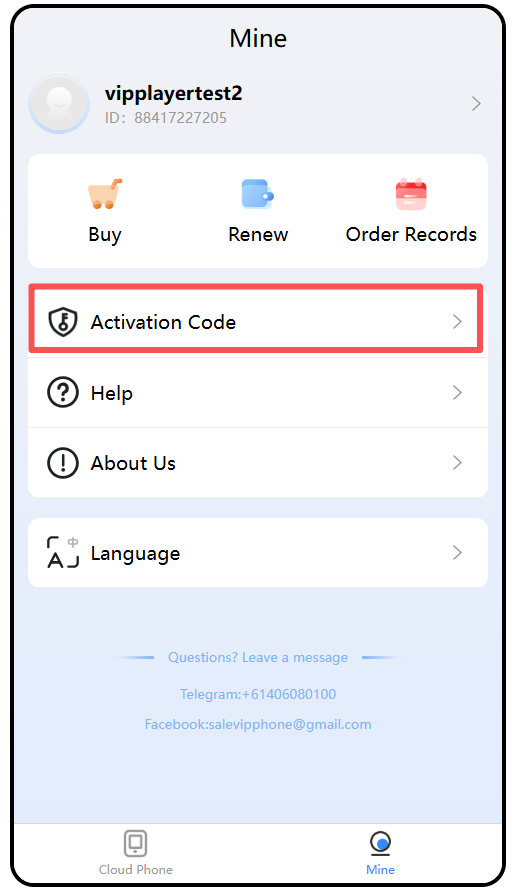
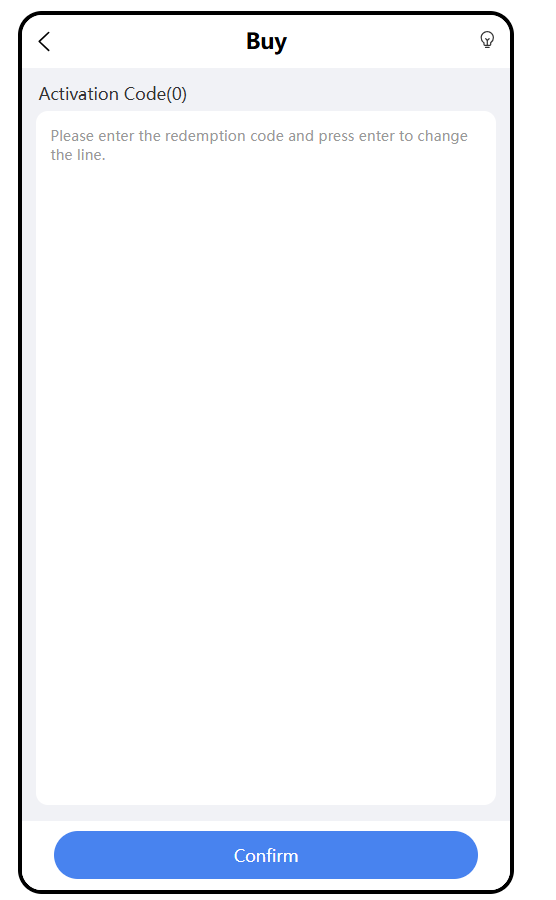
4.To add a new device, click Buy. To renew an existing device, click Renew. Then, enter your activation code to complete the process.