Do you play mobile games that need to run 24/7? Does your phone overheat after an hour of gaming? Are you tired of juggling multiple devices for multiple accounts?
A cloud phone can solve all of these problems. And it’s easier to set up than you might think.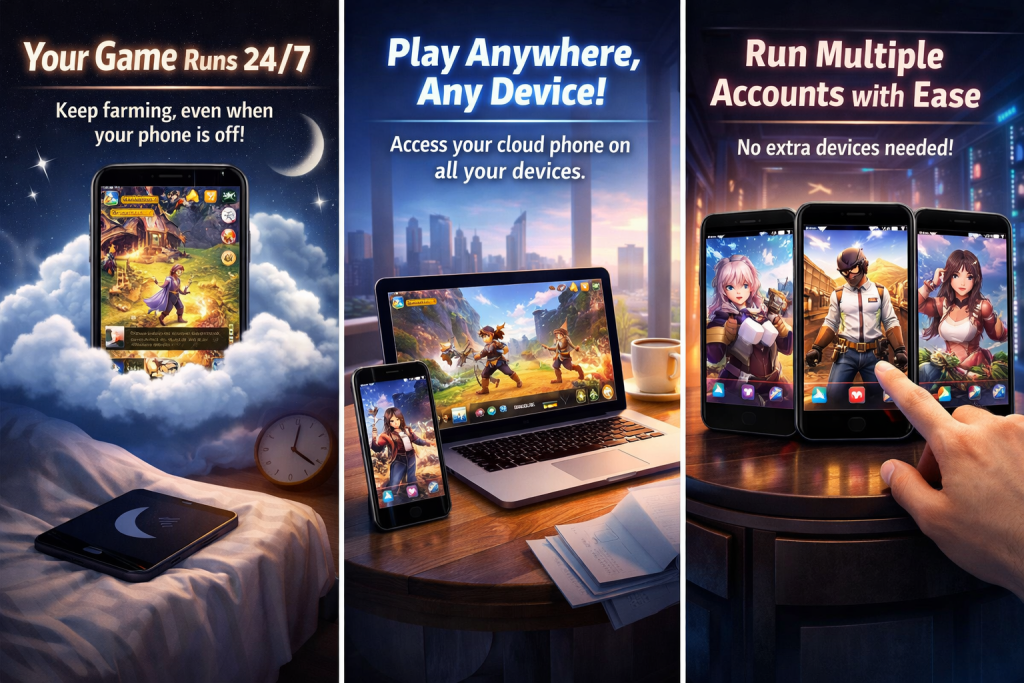
What Is a Cloud Phone?
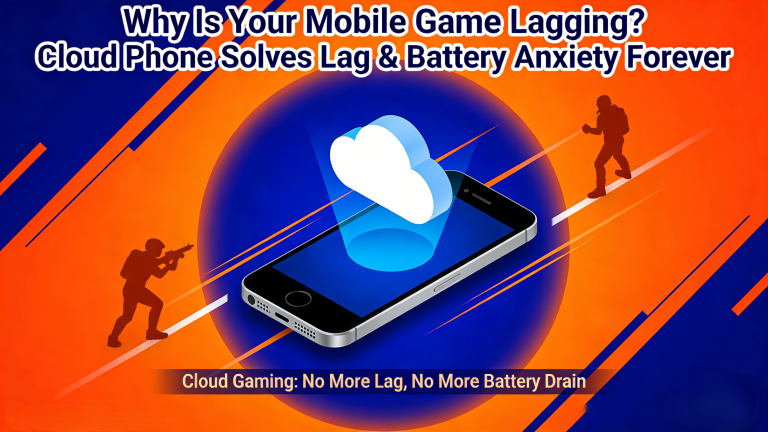
A cloud phone is a virtual Android phone that runs on a remote server.
You don’t need any special hardware. You just open an app or a browser. Then you see a real Android screen — and you control it like a normal phone.
The key difference? Everything runs on the server, not on your device. That means your phone stays cool, your battery stays full, and the game never stops — even when you close the app.
Why Gamers Love Cloud Phones
1. Your Game Runs 24/7
This is the biggest reason gamers switch to a cloud phone.
Games like Ragnarok Origin, Rise of Kingdoms, and AFK Journey reward players who stay online. But no one can keep their phone running all night, every night.
With a cloud phone, you don’t have to. Set up your AFK session, close the app, and go to sleep. Your character keeps farming.
2. Play on Any Device
Your cloud phone lives in the cloud. So you can access it from anywhere.
Check in from your phone during lunch. Switch to your laptop at home. The game is always exactly where you left it.
3. Stop Worrying About Your Phone
Long gaming sessions are hard on your hardware. They drain your battery. They heat up your processor. Over time, this shortens your phone’s lifespan.
A cloud phone takes that load off your device. All the heavy work happens on the server. Your phone just displays the screen.
4. Run Multiple Accounts at Once
Do you play with more than one account? Most gamers need a second device for that. That’s expensive.
With a cloud phone, you can run multiple virtual devices at the same time. Each one is fully independent. No extra hardware needed.
Which Games Work Best?
Almost any Android game works on a cloud phone. But some benefit more than others:
- AFK/Idle games: Last War, AFK Journey, Idle Heroes
- MMORPGs: Ragnarok Origin, MIR M, Lineage 2M
- Battle royale: Free Fire, PUBG Mobile
- Graphics-heavy games: Genshin Impact, Wuthering Waves, Black Desert Mobile
How to Get Started with VipPlayer
Getting started takes less than 10 minutes. Here’s how:
Step 1: Sign up at vipplayer.net
Create a free account. No hardware setup required.
Step 2: Pick a plan
Choose based on how many cloud phones you need and how much performance you want.
Step 3: Open your cloud phone
You’ll see a real Android screen. Use it just like a normal phone.
Step 4: Install your game
Open the Play Store inside your cloud phone. Install any game you want. It won’t take up space on your real device.
Step 5: Start gaming — and leave it running
Set up your game, then close the VipPlayer app. Your cloud phone keeps going. Come back whenever you want.
Cloud Phone vs. Physical Phone
| Physical Phone | VipPlayer Cloud Phone | |
|---|---|---|
| Runs 24/7 | ❌ Needs to stay plugged in | ✅ Always on |
| Battery wear | ❌ Yes | ✅ None |
| Overheating | ❌ Common | ✅ Never |
| Multi-account | ❌ Needs extra devices | ✅ Multiple instances |
| Works on low-spec devices | ❌ No | ✅ Yes |
Common Questions
Is it safe for my game account?
Yes. Your account runs in an isolated Android environment. VipPlayer uses encrypted connections to keep your data private.
What internet speed do I need?
A stable 10–15 Mbps connection is enough. Wi-Fi or 5G works best.
What if I lose internet?
Your cloud phone keeps running on the server. When you reconnect, everything is exactly as you left it.
Can I run more than one game at once?
Yes. Each cloud phone instance runs independently. You can have different games running at the same time.
Ready to Keep Your Game Running All Night?
A cloud phone is one of the smartest upgrades a mobile gamer can make. It protects your device. It gives you 24/7 uptime. And it’s easier to use than most people expect.
Try VipPlayer Cloud Phone today →
Official Facebook, obtain activation code